
Avowed Modding in 2026: A First-Timer's Guide to Customizing Your Adventure
Avowed mods and quality of life tweaks revolutionize Obsidian's fantasy RPG, offering easy personalization for a smoother, richer adventure.
So, you've jumped into the world of Avowed and something just feels... off. Maybe the difficulty spike is giving you a headache worse than a hangover after a night in the taverns of the Living Lands. Or perhaps you're dreaming of some quality-of-life tweaks that the developers, bless their hearts, just didn't think to include. Well, my friend, you're not alone! In 2026, the modding scene for Obsidian's fantasy RPG is buzzing, and it's our go-to answer for when the base game doesn't quite suit our royal tastes. I mean, who doesn't want to personalize their epic adventure? The best part? Diving into mods is easier than you might think, even for a total newbie like I was.
Now, let's get one thing straight upfront: as of 2026, Avowed still doesn't have official modding support from the developers. That means don't go expecting fan-made continents, fully-voiced companions, or legendary swords from other franchises—at least, not yet. But what the brilliant minds over on sites like Nexusmods have created is a fantastic array of QoL (Quality of Life) mods. These little gems tweak the game's existing systems to make your journey smoother, prettier, or more challenging. And guess what? Installing them is a breeze whether you're playing on Steam or Game Pass. Seriously, if I can do it, so can you.
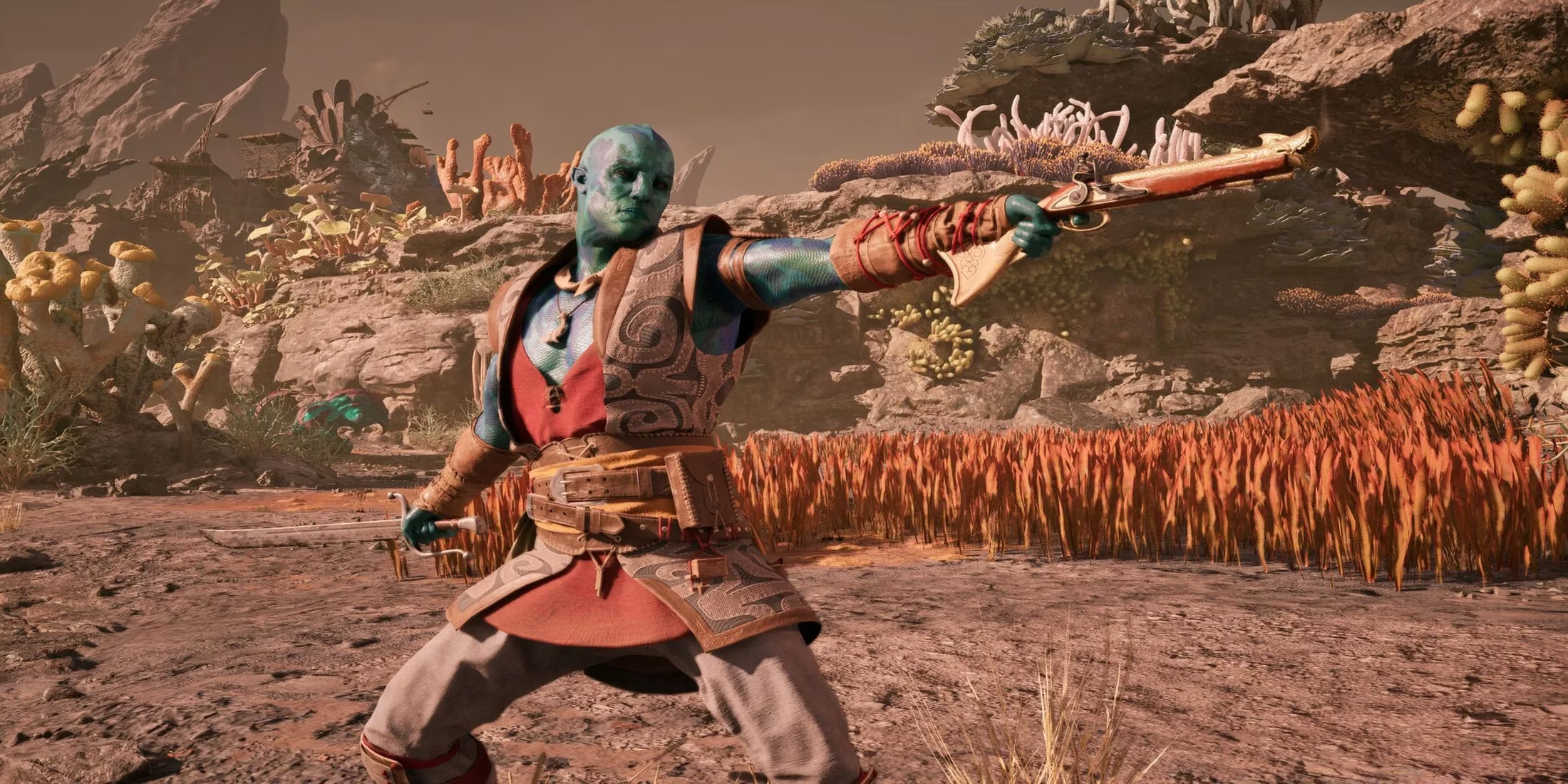
Your First Mod: A Simple Three-Step Ritual
Installing most basic mods is a process so simple it feels like cheating. Here’s the universal spell, I mean, method:
-
Download Your Chosen Mod. Find a mod you like from a trusted community site.
-
Extract the Files. Unzip the downloaded folder and place its contents into a very specific location in your game's installation directory:
Avowed/Alabama/Paks/~mods. If that~modsfolder doesn't exist yet, just create it! Magic, right? -
Run the Game. Launch Avowed and enjoy your new tweaks!
But wait, how do you even find this mystical installation folder? Don't panic! It's just a few clicks away:
-
For Steam Users: Right-click Avowed in your Steam Library > Select "Browse Local Files." Boom, you're there.
-
For Game Pass Warriors: Right-click Avowed in your library > Select "Manage" > Click "Browse" at the top of the new window. Voilà!
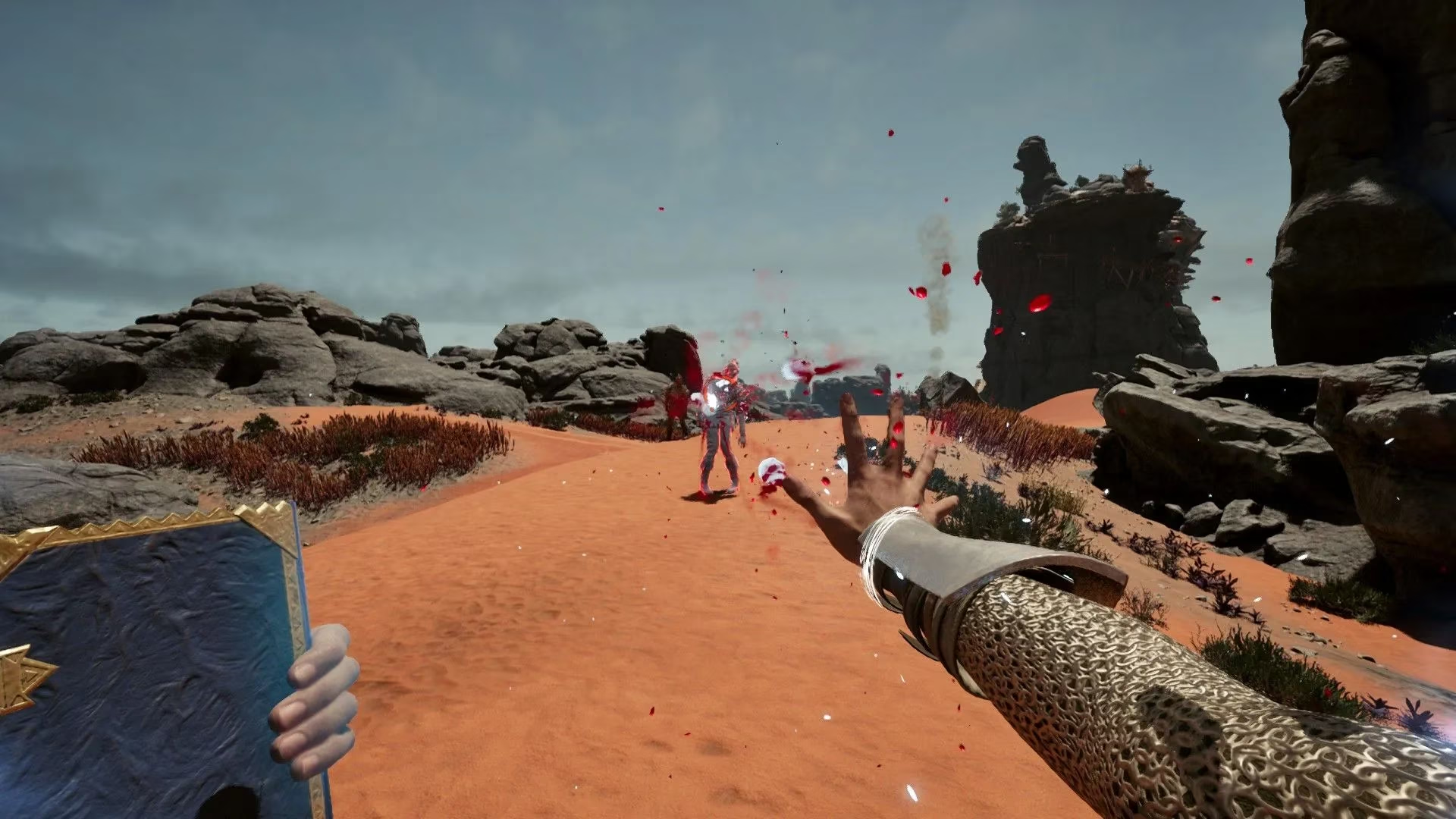
When Frames Fail: The Engine.ini Tweak
Is your framerate chugging along like a cart with a broken wheel? Are the stunning vistas of the Living Lands turning into a slideshow? Before you blame your PC, consider an engine tweak. These are modified .ini files that unlock hidden graphical and performance settings not available in the standard game menu. Installing them is almost as easy as regular mods, but they live in a different neighborhood:
| Platform | Config File Location |
|---|---|
| Steam | AppData/Local/Alabama/Saved/Config/Windows |
| Game Pass | AppData/Local/Alabama/Saved/Config/WinGDK |
The process:
-
Navigate to the correct folder above (you might need to enable viewing hidden folders in Windows).
-
CRUCIAL STEP: Make a backup of the original
Engine.inifile! Copy it and paste it somewhere safe. This is your "oh no" undo button. -
Replace the original
Engine.iniwith the new one you downloaded. -
Right-click the new file > Properties > Check the Read-Only box. This little step stops the game from overwriting your custom settings every time you launch it. Don't skip it!
Feeling brave? You can even open these .ini files with Notepad and tinker with the values yourself. But be warned: unless you speak fluent Unreal Engine 5, it might look like ancient magical runes. Proceed with caution!
Why Bother? The Joy of a Personalized World
You might be asking, "Is all this fiddling with files really worth it?" 🤔 From my experience, absolutely! Here’s what mods can do for your Avowed playthrough in 2026:
-
Tame the Difficulty: Found a boss impossible? There's probably a mod to adjust damage values. Think the game is too easy? Crank it up!
-
Fix Annoyances: Remove minor UI clutter, increase inventory space, or change how often your companions comment on the weather.
-
Boost Performance: Those engine tweaks can be the difference between a stuttery mess and a buttery-smooth quest for truth.
The community has settled in nicely since the game's release, and the mod library is only growing. It's a testament to player creativity and our shared desire to make these virtual worlds truly our own. So go ahead, give it a try. Back up your saves, follow the steps, and dip your toes into the wonderful world of Avowed modding. Your perfect adventure is waiting—you just have to build it yourself. 🧙♂️✨